
Make your buddy
The first time you open OpenBuddies, you make your study buddy. It’s yours, so make it however you like!
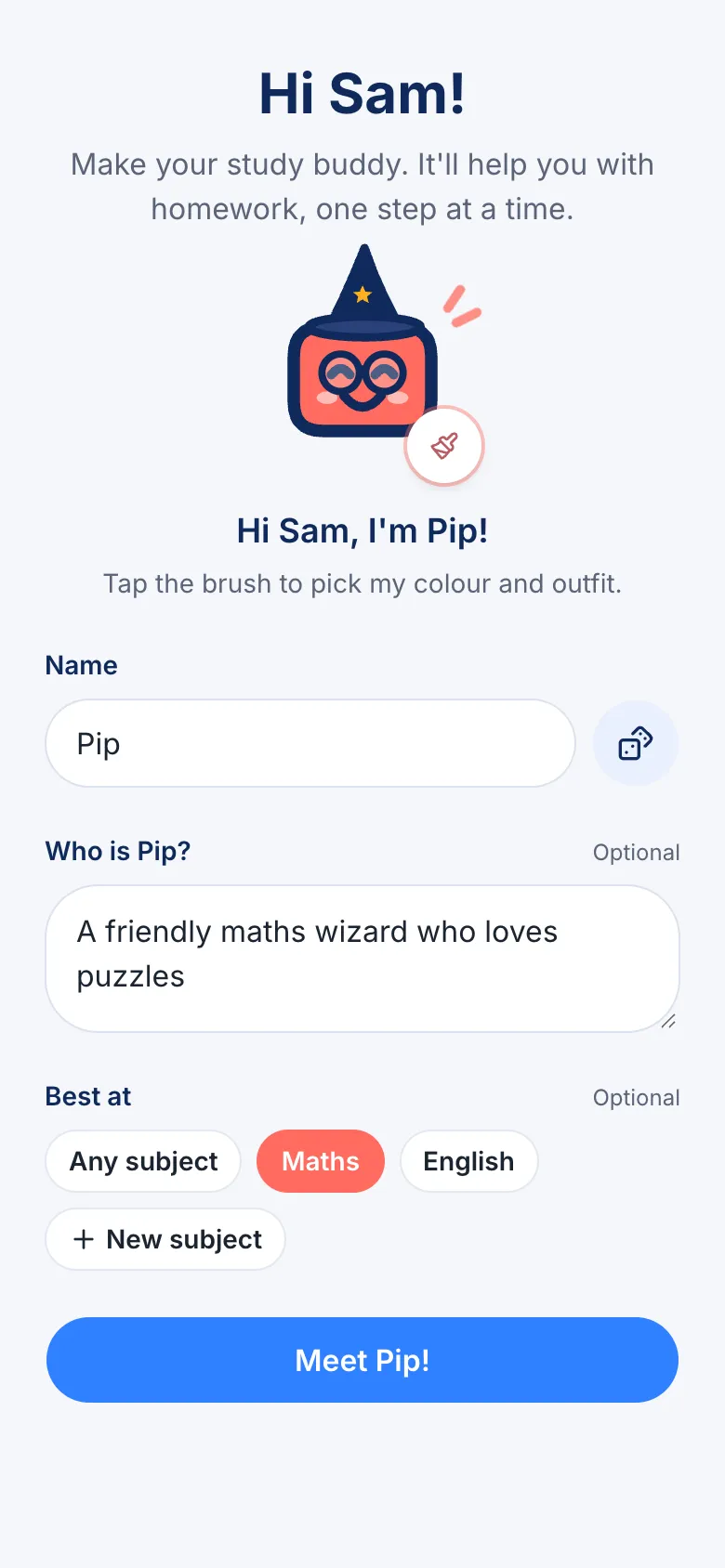
- Give it a name. Type one, or tap the dice for a random name.
- Say who it is, if you want to. For example: “A friendly maths wizard who loves puzzles”.
- Pick what it’s best at, like Maths or English. You can leave this as Any subject.
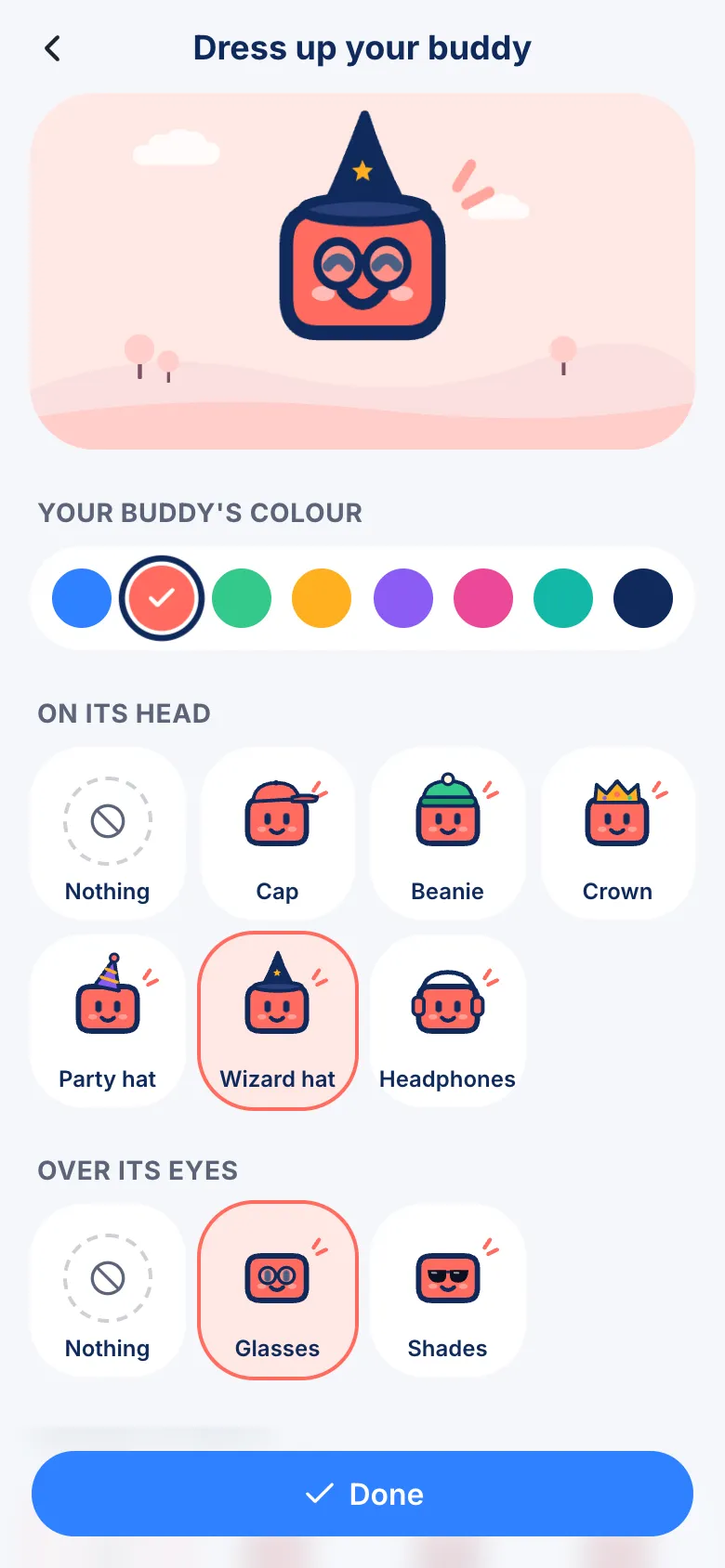
- Tap the brush to choose its colour and something to wear: a hat, glasses, a scarf and more. Tap Done when it looks just right.
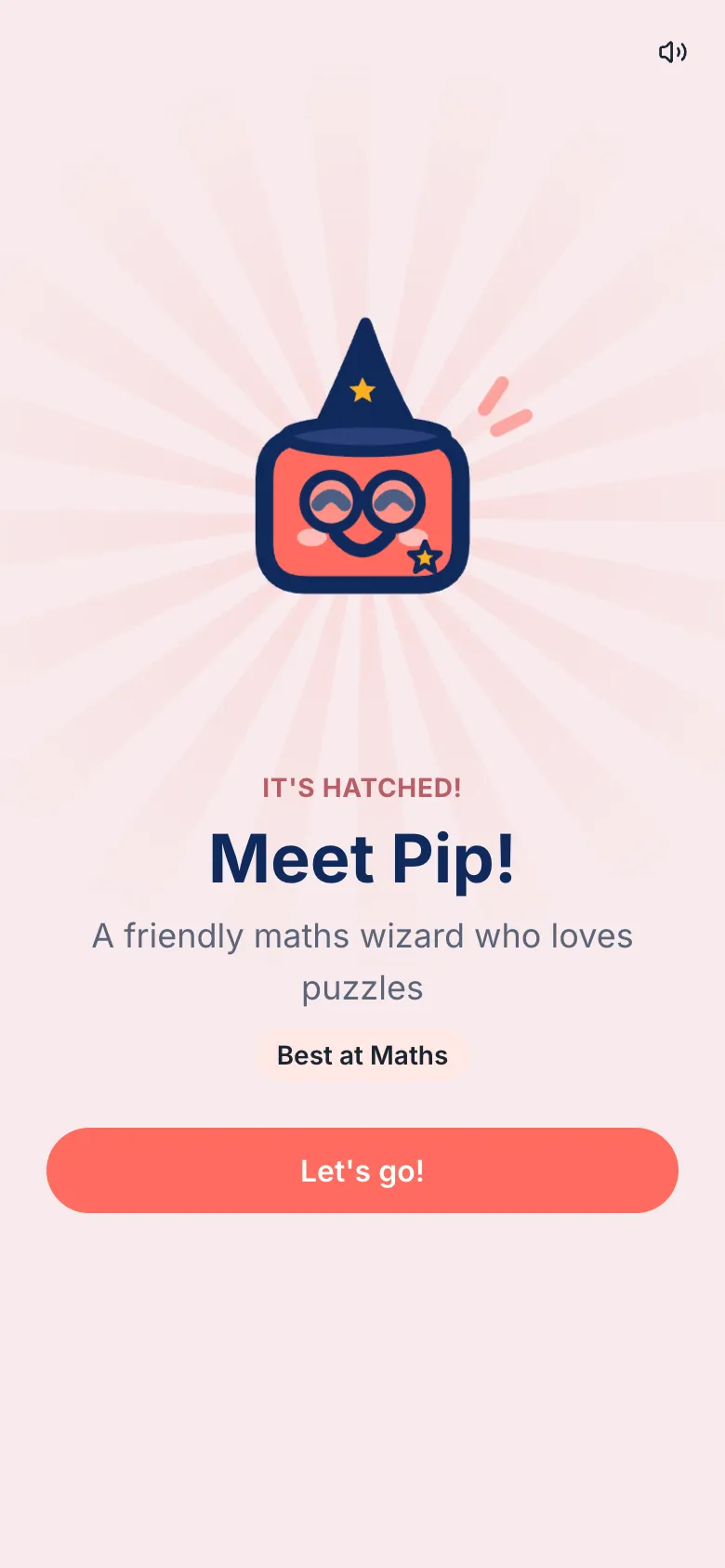
- Tap Meet and your buddy hatches!
Change how it looks later
Section titled “Change how it looks later”On the home screen, tap the brush next to your buddy. You can change its colour and outfit whenever you like.
Make more buddies
Section titled “Make more buddies”Tap Buddies at the bottom of the screen to make another one, or to switch between them. You can have up to 10.