
Show your buddy your homework
Typing out a whole question is slow. Show your buddy a photo of it instead!
In the chat
Section titled “In the chat”- Tap the paper clip next to where you type.
- Take a photo of your homework, or choose a file.
- Tell your buddy which question you’re on.
In My files
Section titled “In My files”Everything you share is kept in My files, on the home screen. You can take a photo or choose a file there too.
Later, just mention it in the chat, like “check my history homework”, and your buddy finds it.
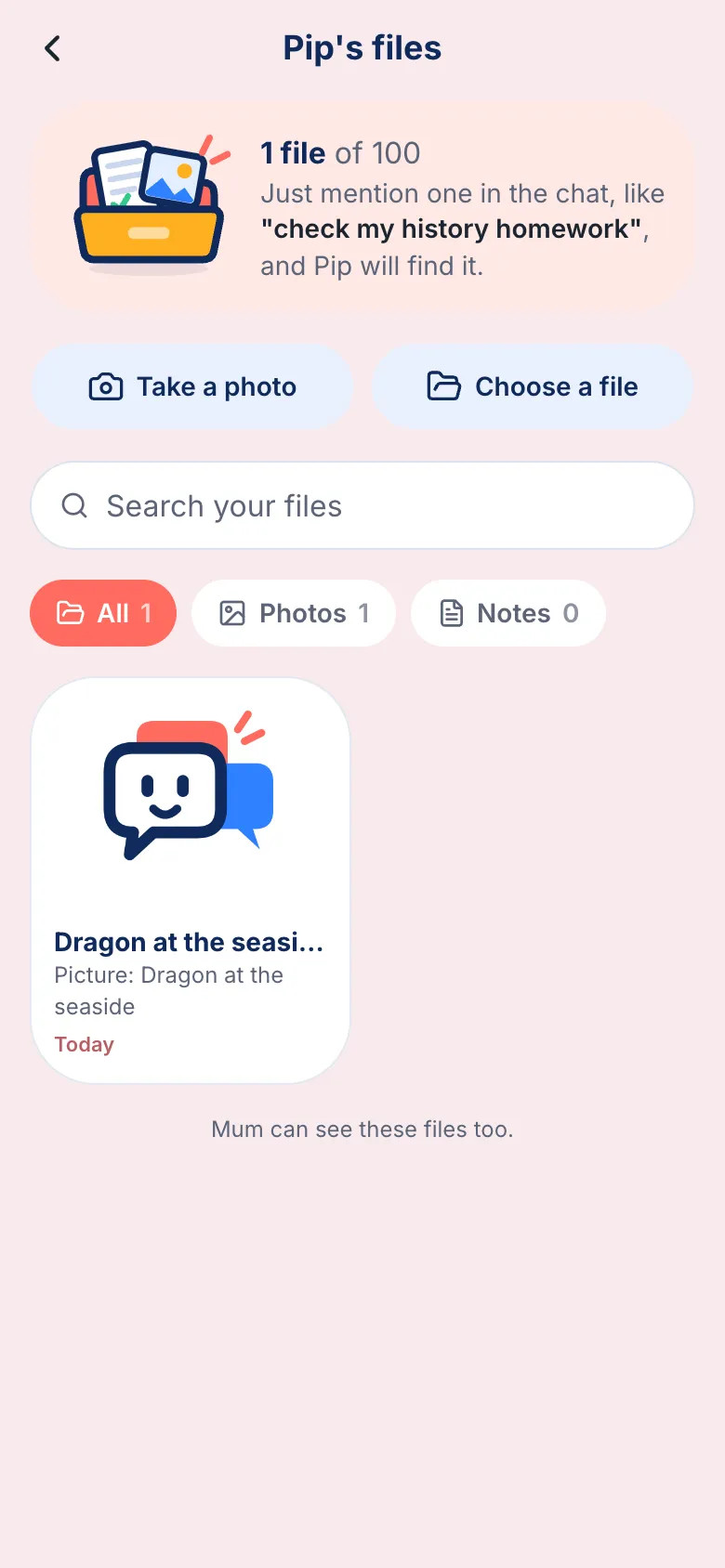
Your grown-up can see your files too.