
Set a reminder
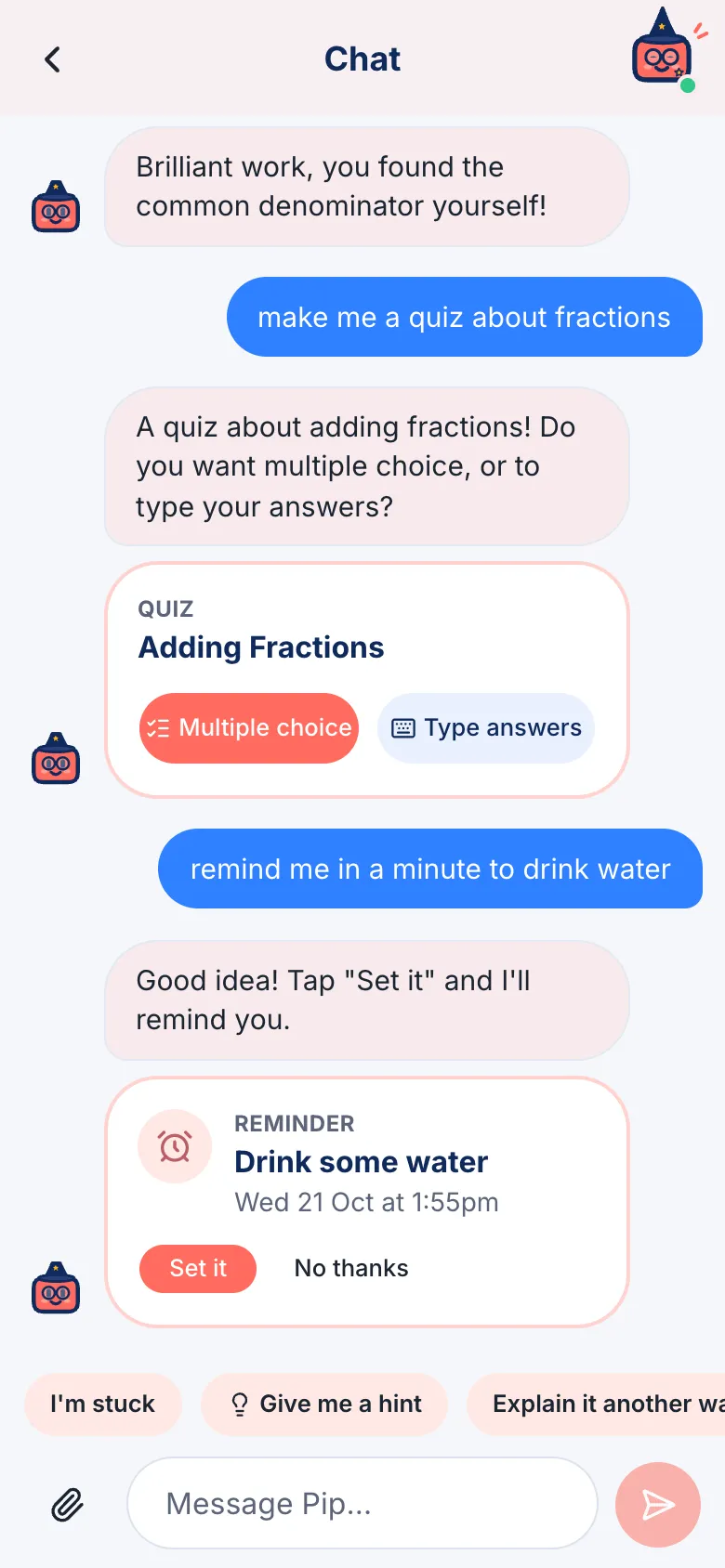
- In the chat, ask your buddy, like “remind me tomorrow at 8 to pack my PE kit”.
- Check the time is right, then tap Set it.
To see your reminders, tap the alarm clock at the top of the home screen. You can pause or delete them there, and turn on notifications so your buddy can remind you even when the app is closed.
On an iPhone or iPad, add OpenBuddies to your Home Screen first: tap Share, then Add to Home Screen, and open it from there.