Pair a phone or tablet
Pair a device
Section titled “Pair a device”-
Make a fresh pairing code for the child:
Terminal window openbuddies pair <child> -
Scan the QR code with the child’s device. Each code works once and expires after 10 minutes.
The device needs to be on your home Wi-Fi, unless you’ve set up access away from home.
Add it to the home screen
Section titled “Add it to the home screen”On Chrome or Edge over HTTPS, the pairing page shows an Add to my home screen button. On an iPhone or iPad, tap Share, then Add to Home Screen. You’ll need HTTPS (from Tailscale) for reminder notifications on the device.
Unpair a device
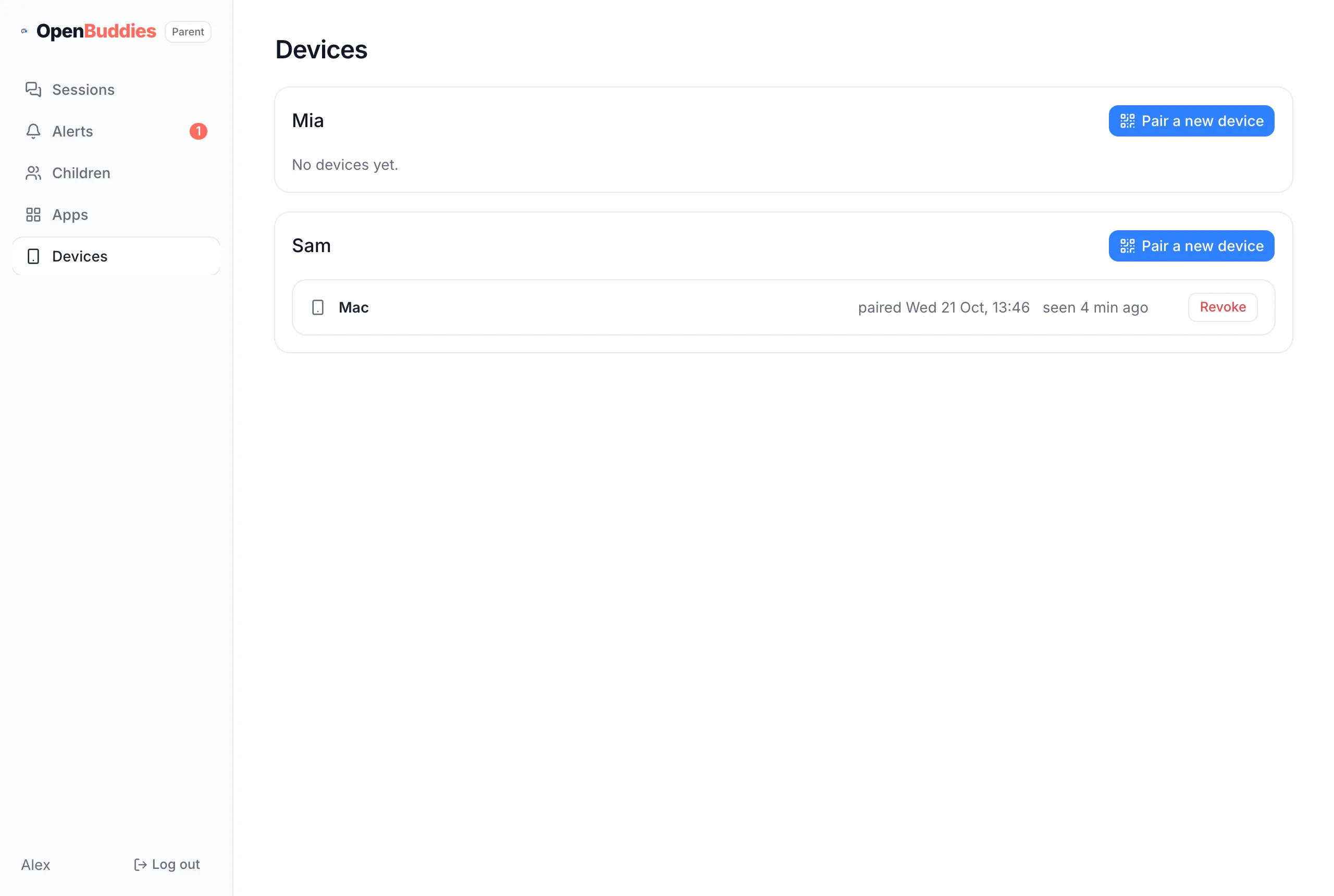
Section titled “Unpair a device”Open your parent page and go to Devices, then tap Revoke beside the device. It’s cut off straight away: anything it has open stops working at once. You can also pair a new device from here with Pair a new device.